- GUIDES
How to Install Add-Ons in Minecraft Bedrock
Installing the add-on is the easy part. Here is the part that fails too: activating it in your world, and what to check when it never shows up.
LEER →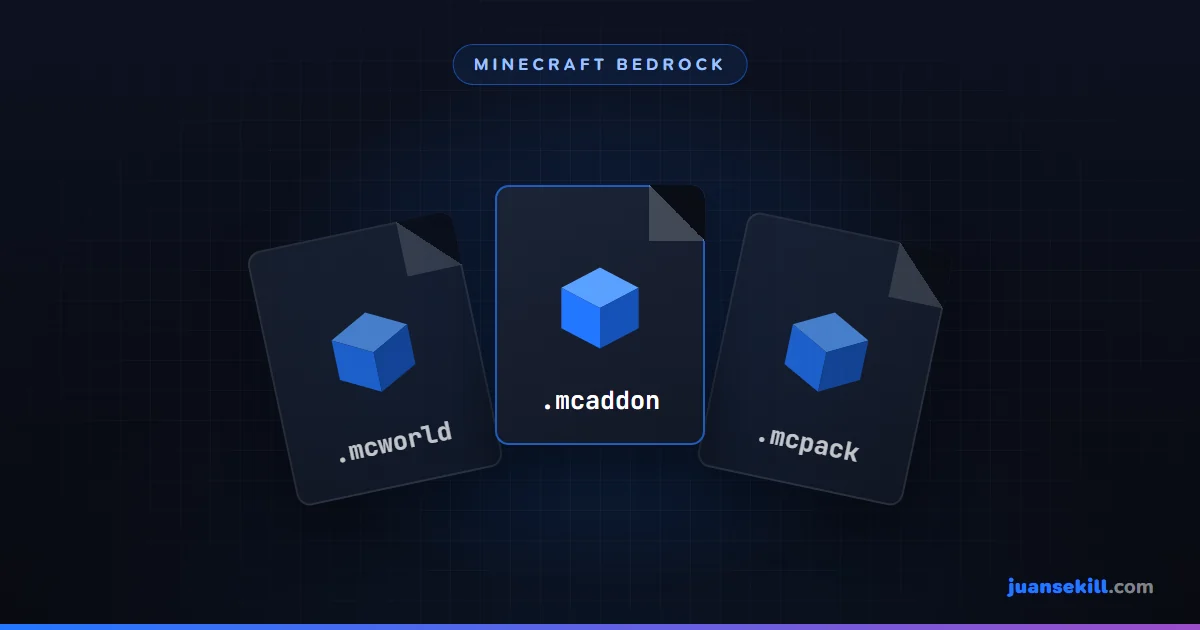
Installing the add-on is the easy part. Here is the part that fails too: activating it in your world, and what to check when it never shows up.
LEER →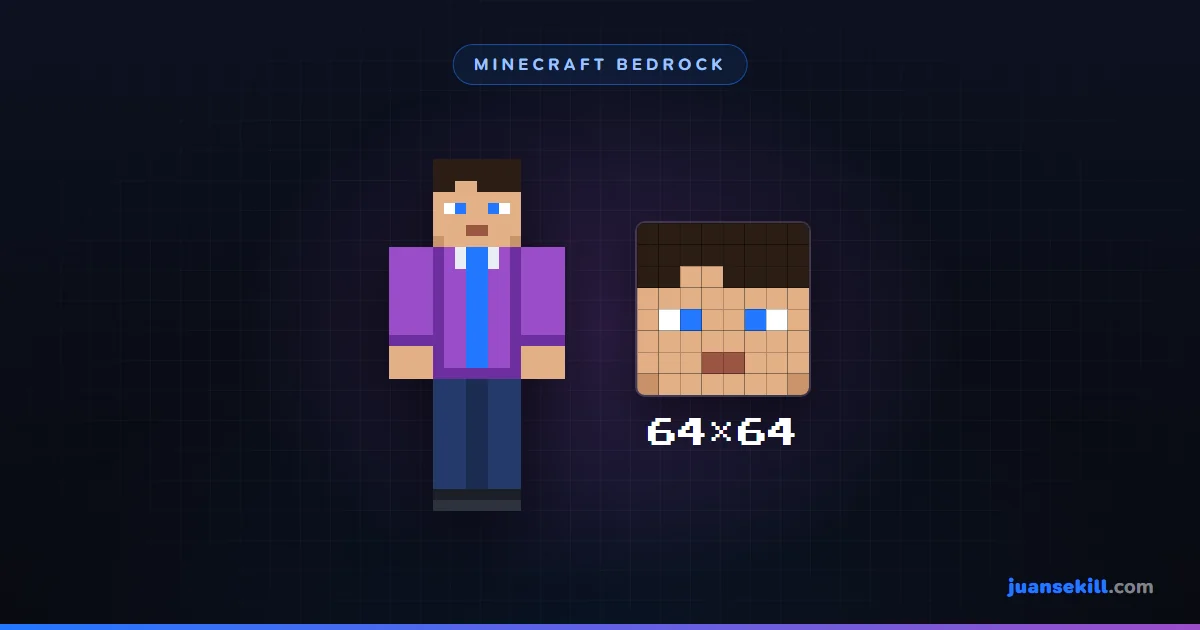
Using your own skin in Bedrock is free and needs no Marketplace. Here is how, and what to check when it looks blurry or the arms come out wrong.
LEER →
Eight fixes ordered from least to most risky, plus the warning almost nobody gives: one of the most recommended steps deletes your worlds.
LEER →
Bedrock moved its world folder in 1.21.120. Where it is in each version, how to copy it, and how to move a world to another PC.
LEER →
Buy Minecraft on PC and you get both. The real differences are performance, mods, who you play with and what PC you have.
LEER →
An antivirus warning is not always a virus. How to read a detection, what a false positive is, and what to do without turning protection off.
LEER →